CorpSpeak by PhantomBuild
Say what you mean.
Sound professional.
Still sound like you.
CorpSpeak rewrites a rough thought into a message you can actually send, and decodes the workplace jargon coming back at you. The point, in plain English, without the generic AI voice.
One free result each day. No account required. iPhone.
Rough thought
this deadline is not happening, we found out about the extra scope yesterday
Ready to send
Quick heads up on timing. Additional scope came in yesterday, so Friday is no longer realistic. I can deliver the core work by Friday and the rest early next week. Want me to prioritize differently?
Decode a screenshot. Text is read on your iPhone. You review it before anything is explained.
Rewrite with intent
Pick the tone, keep your meaning, send something that lands.
Decode screenshots
Paste text or import a screenshot and get the point in plain English.
One grounded answer
One integrated result: what the message says and what it is doing, no guesswork.
Decode
Get the point. Skip the jargon.
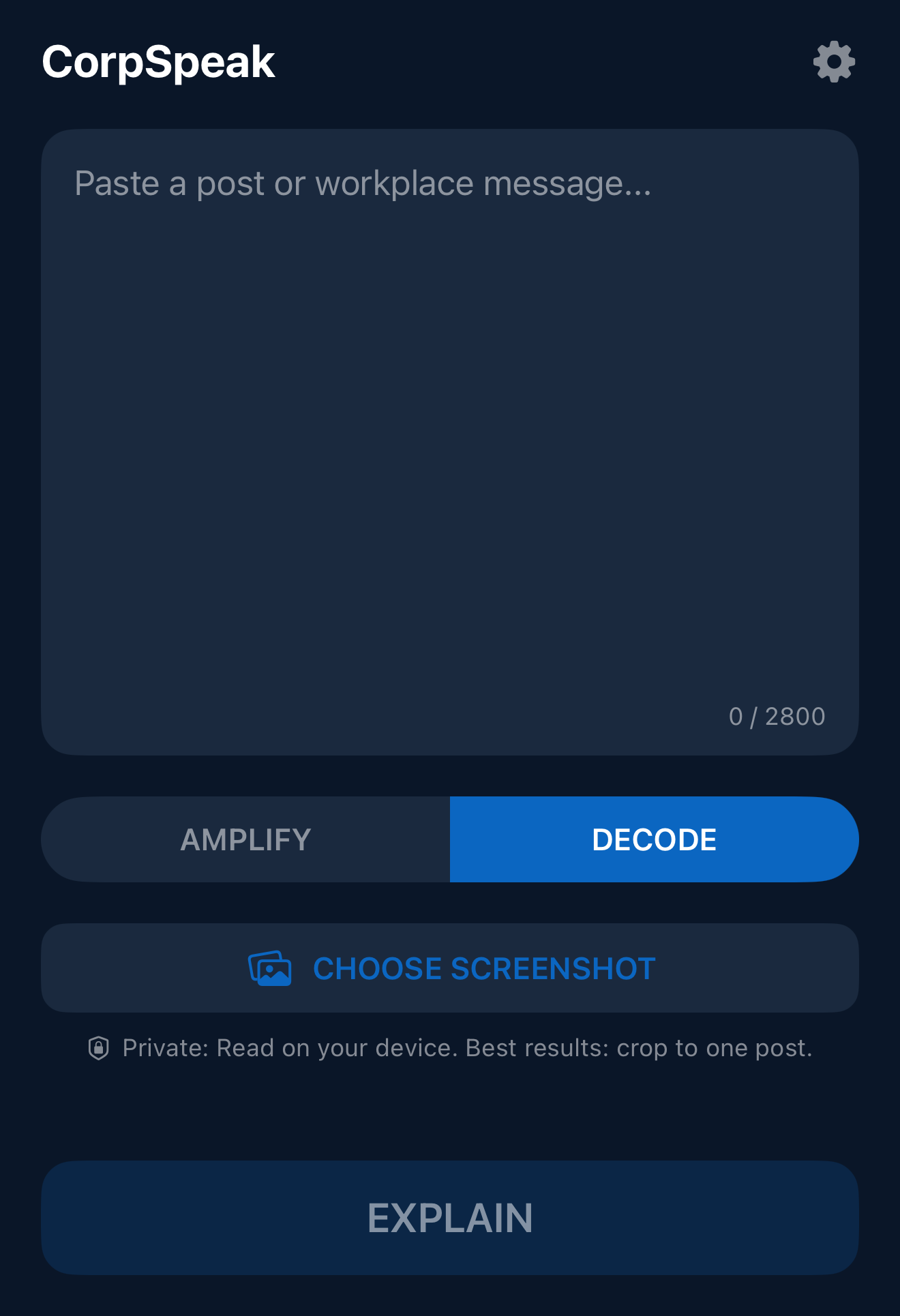
Paste a post or workplace message, or import a screenshot of one, and CorpSpeak returns THE POINT: a short, plain-English summary of what is actually being said.
Screenshot import works from your camera roll, so something you cannot copy can still be decoded. Crop to one post or message for best results.
Screenshot text is read on your device. You review it before tapping Explain, which sends the text for AI processing.
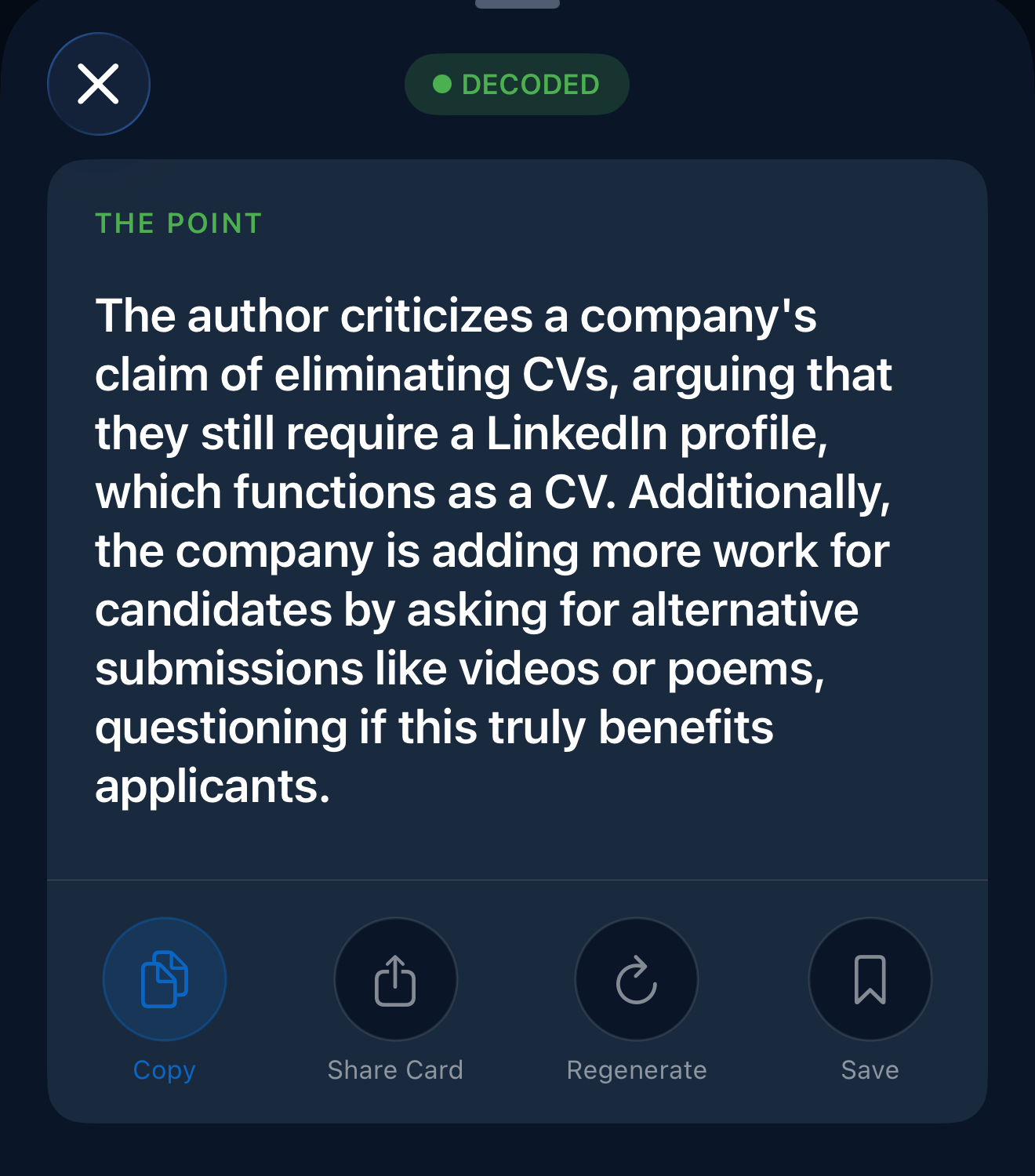
One clear answer
What it means. What it’s doing. Done.
THE POINT combines what the message actually says with what the communication is doing, when that context adds value. One grounded result. No second pass to request, no separate report to read.
It stays with the wording in front of it. It never invents a second story or claims to know someone’s private motive.
Rewrite
Rough thought in. Polished message out.
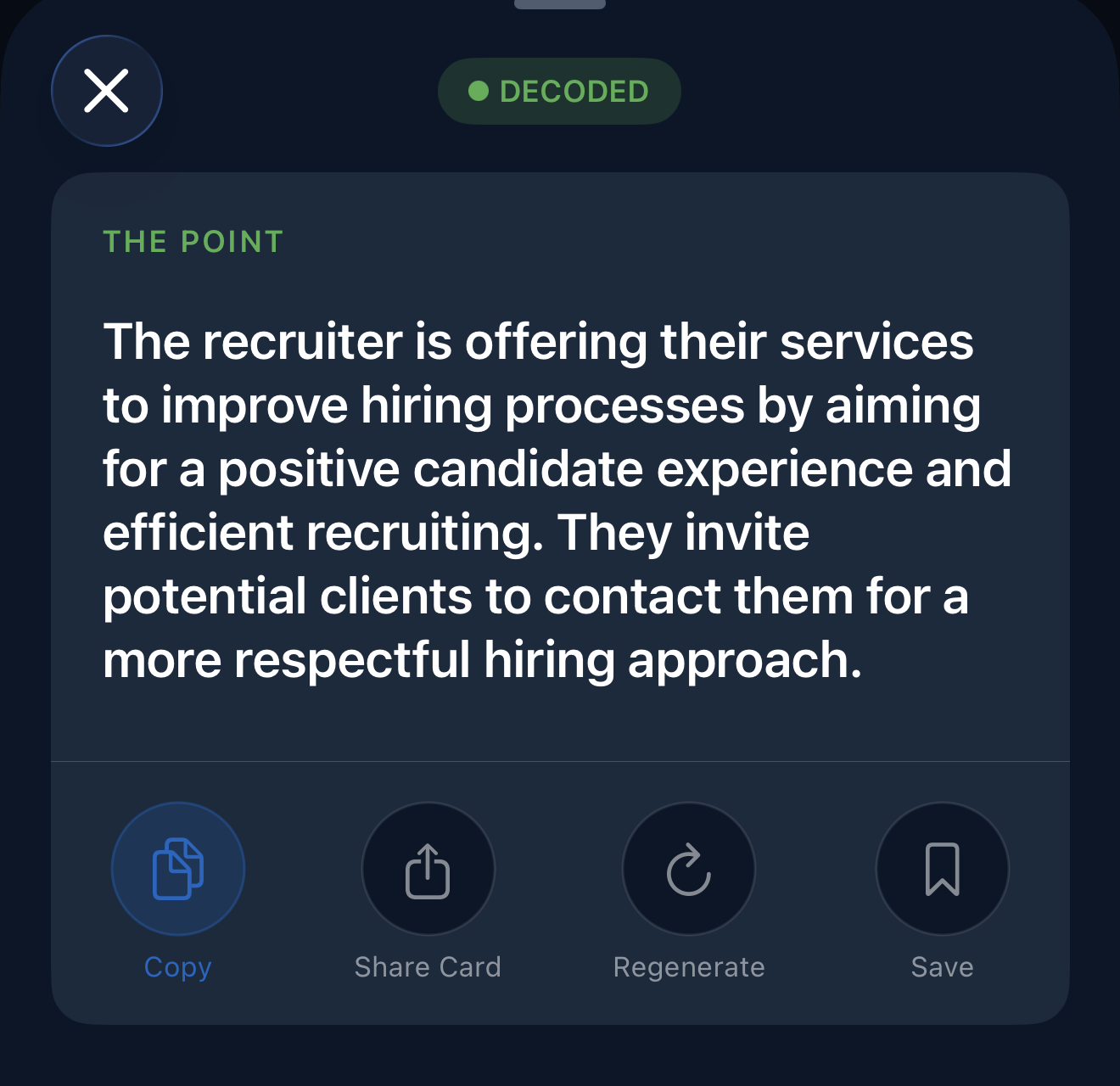
Type the blunt version, the one you would never send. CorpSpeak keeps your point and your voice, and fixes the delivery. Three tones, one tap each.
- Professional. Calm, direct, sendable.
- Viral. Punchy and postable, for LinkedIn energy.
- Unhinged. For the draft you send a friend, not the VP.
Built for the message in front of you.
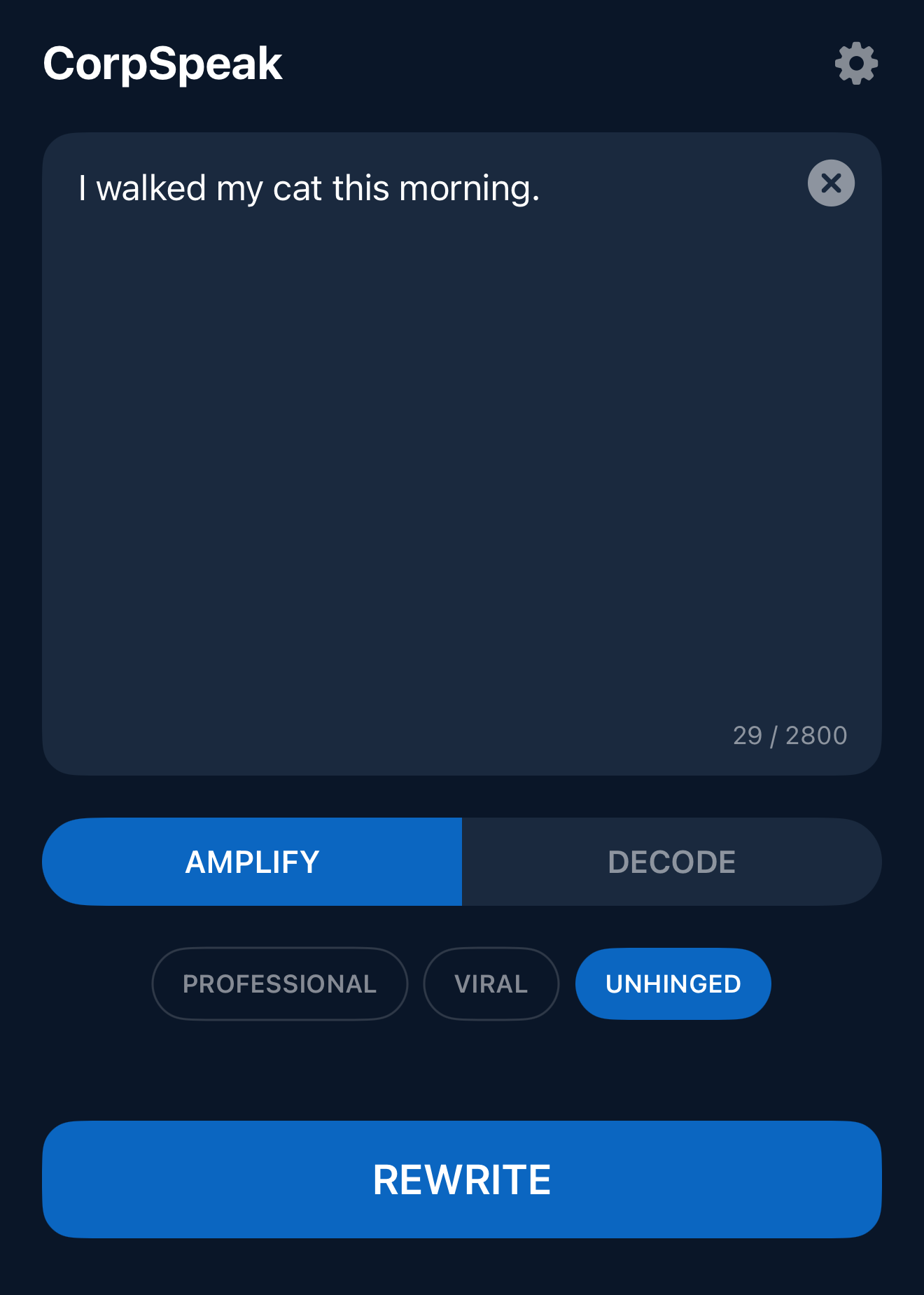
Rewrite or decode in CorpSpeak, then copy or share the result wherever you need it.
Email
Deadline changes, escalations, and the reply you have rewritten four times.
Team chat
Slack or Teams messages that need to be short without sounding curt.
LinkedIn
Posts and comments with actual personality, or a knowing amount of it.
Feedback
Say the hard part clearly and keep the working relationship intact.
Status updates
Turn messy progress into a summary a busy manager can read once.
No plugins to install and no inboxes to connect. Saved results stay in the app so you can reuse what worked.
Privacy and friction
Less friction. Fewer surprises.
Here is exactly how CorpSpeak handles what you give it.
No account required
No sign up, no login, no profile. Open the app and start writing.
Screenshot text read on device
Text extraction from a screenshot happens on your iPhone, not on a server.
You review before AI sees it
Extracted text is shown to you first, and is only sent for AI processing when you tap Explain.
Content-free product analytics
Usage analytics never include your message content.
Responsible use: only process content you are permitted to use, and follow your employer's policies on confidential information and AI tools.
Try it free. Upgrade when it earns it.
Free
No account required.
- One successful AI result every calendar day
- Rewrite or Decode, your choice
- Failed requests cost nothing
Premium
Unlimited rewrites and decodes.
- Unlimited rewrites and decodes
- All tones: Professional, Viral, Unhinged
- Clean share cards for any result
- 3-day free trial with the annual plan
Pricing is shown in the App Store in your local currency. Weekly and annual options are available. The free trial applies to the annual plan.
Questions, answered.

Send the message you meant to send.
Rewrite it, decode theirs, get on with your day. One free result each day, no account required.